Silver Springs Survival
World Archives
Our worlds may change, but the memories don't have to. Revisit the builds, adventures, and communities that shaped Silver Springs.
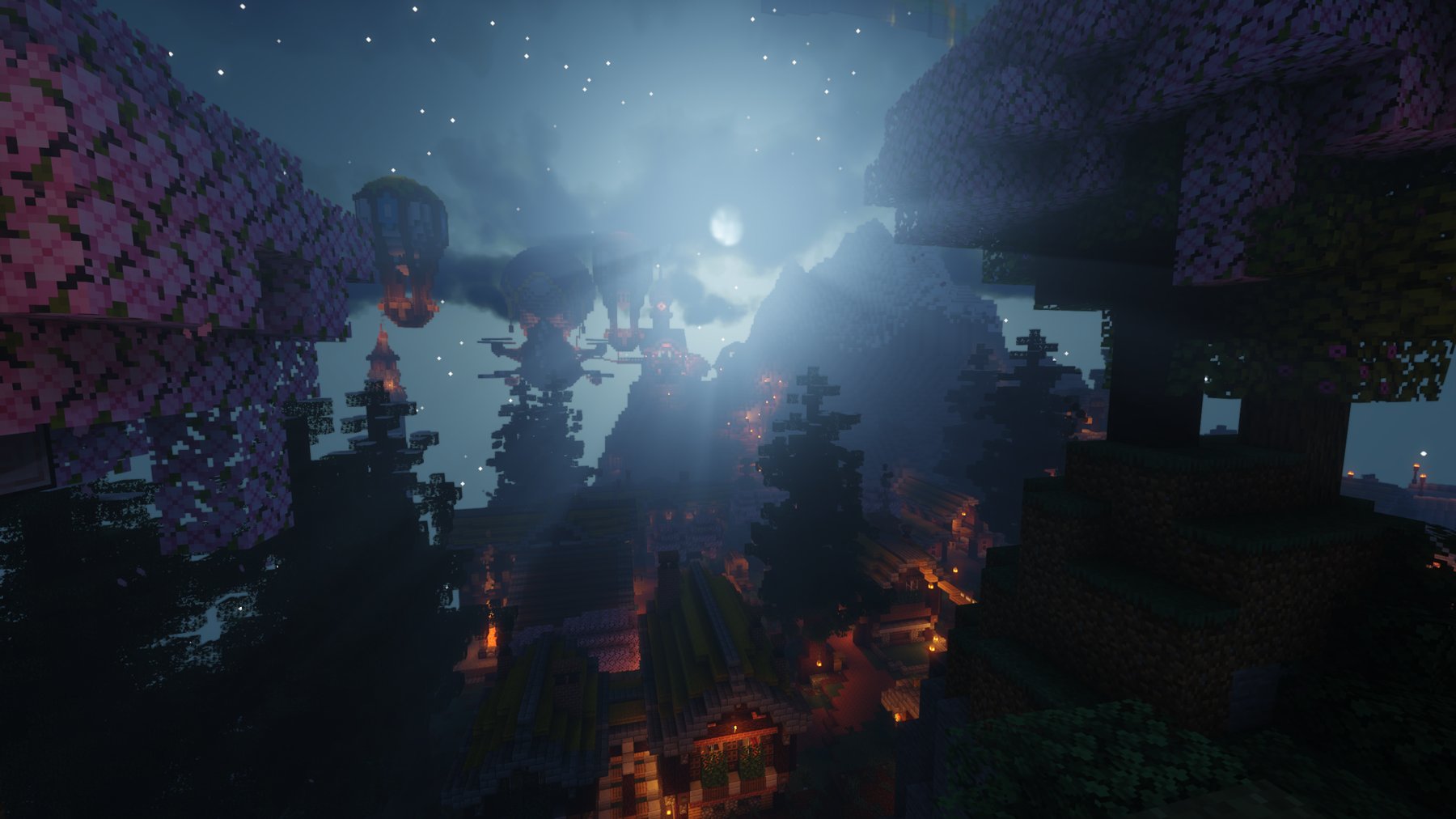
Explore our past worlds
0 generations of Silver Springs history
We're preparing each world for download. Archive cards become active as their files are uploaded, checked, and ready to share.
How to play an archived world
Bring an old world back to life.
- Download and extract the ZIP. Keep the world folder itself.
- Use a compatible Minecraft Java version.
- Move the world into your Minecraft saves folder.
Some server worlds may need additional preparation for single-player use. We’ll add compatibility notes and verified checksums as each archive is published.